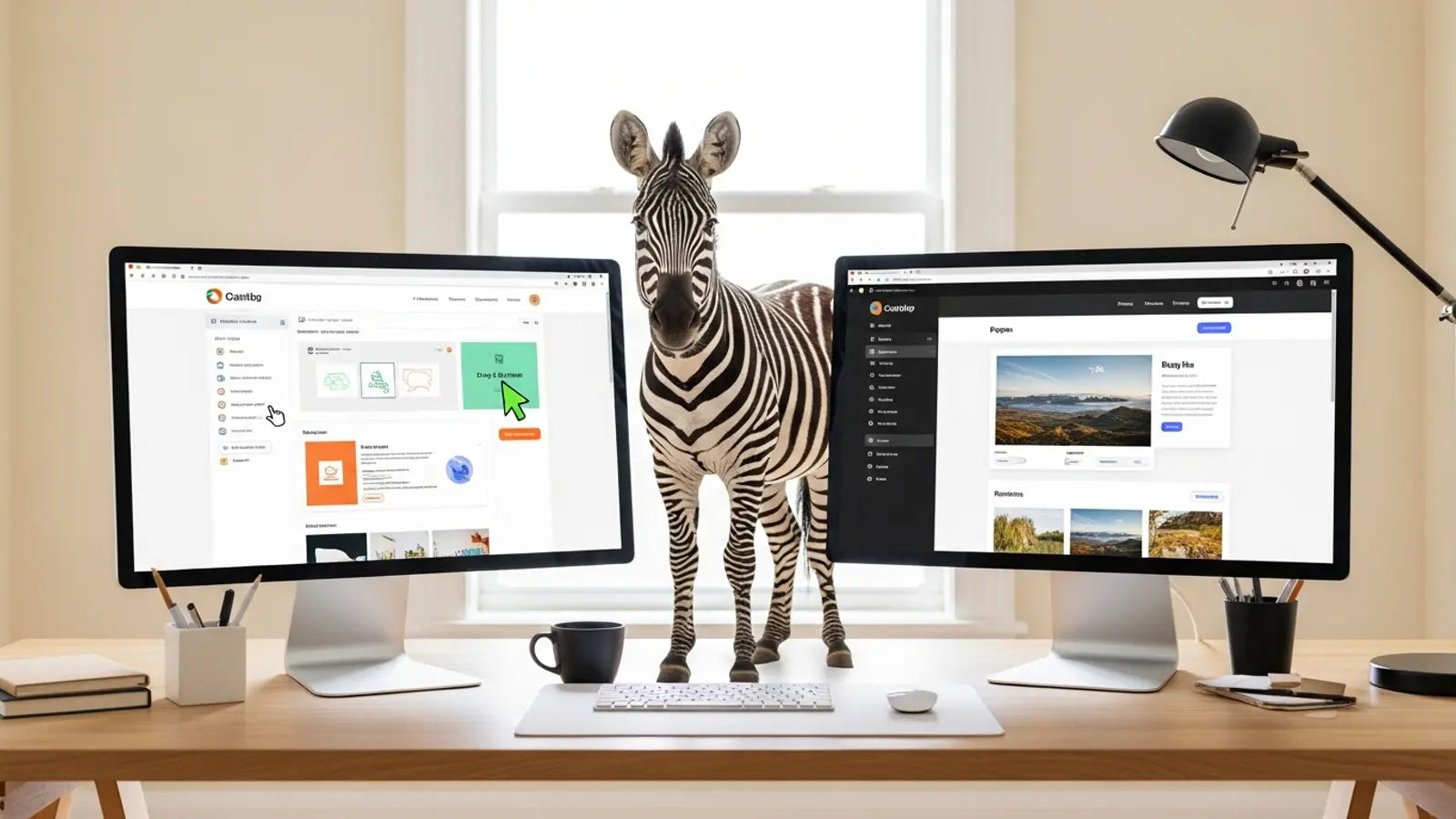
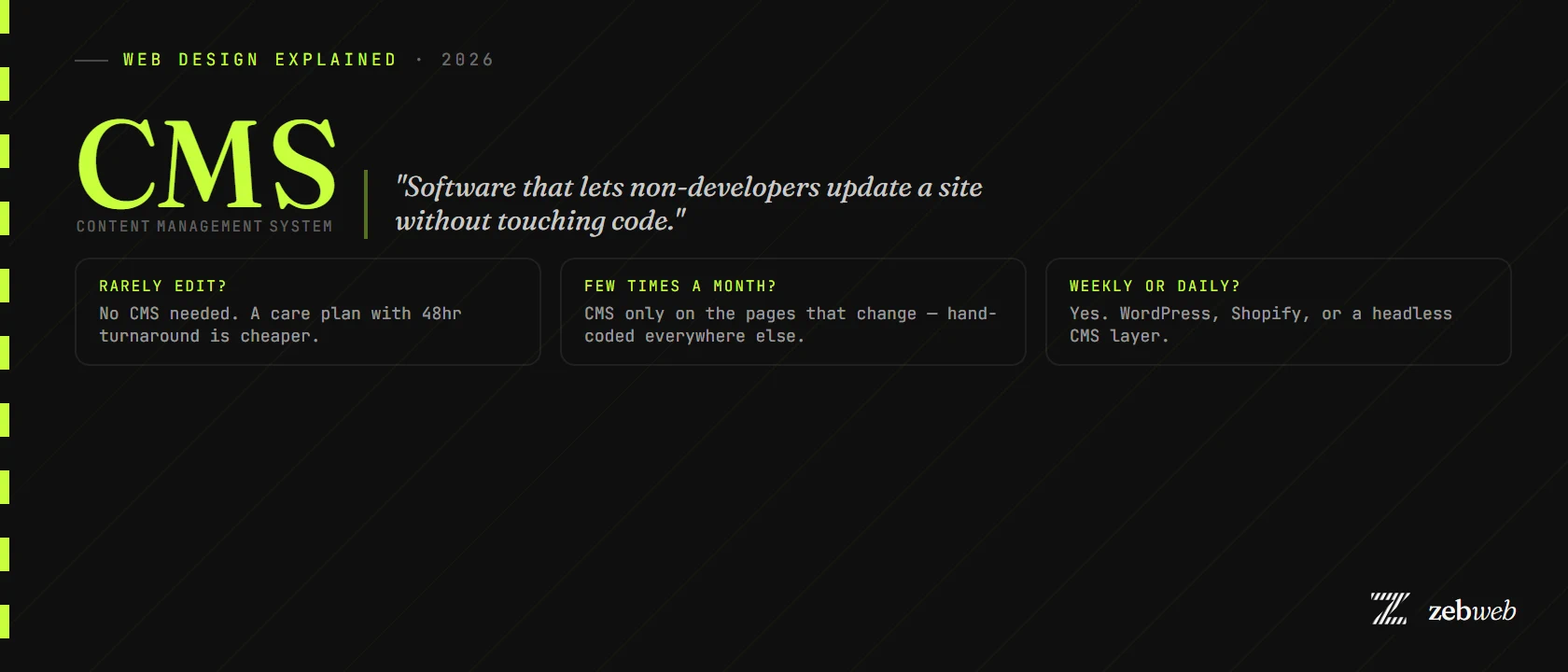
Short answer: a CMS is software that lets non-developers update a website without touching code. WordPress, Shopify, Webflow, Squarespace — all CMSes in some form. Most small businesses think they need one. Most don't.
What is a CMS, in plain English
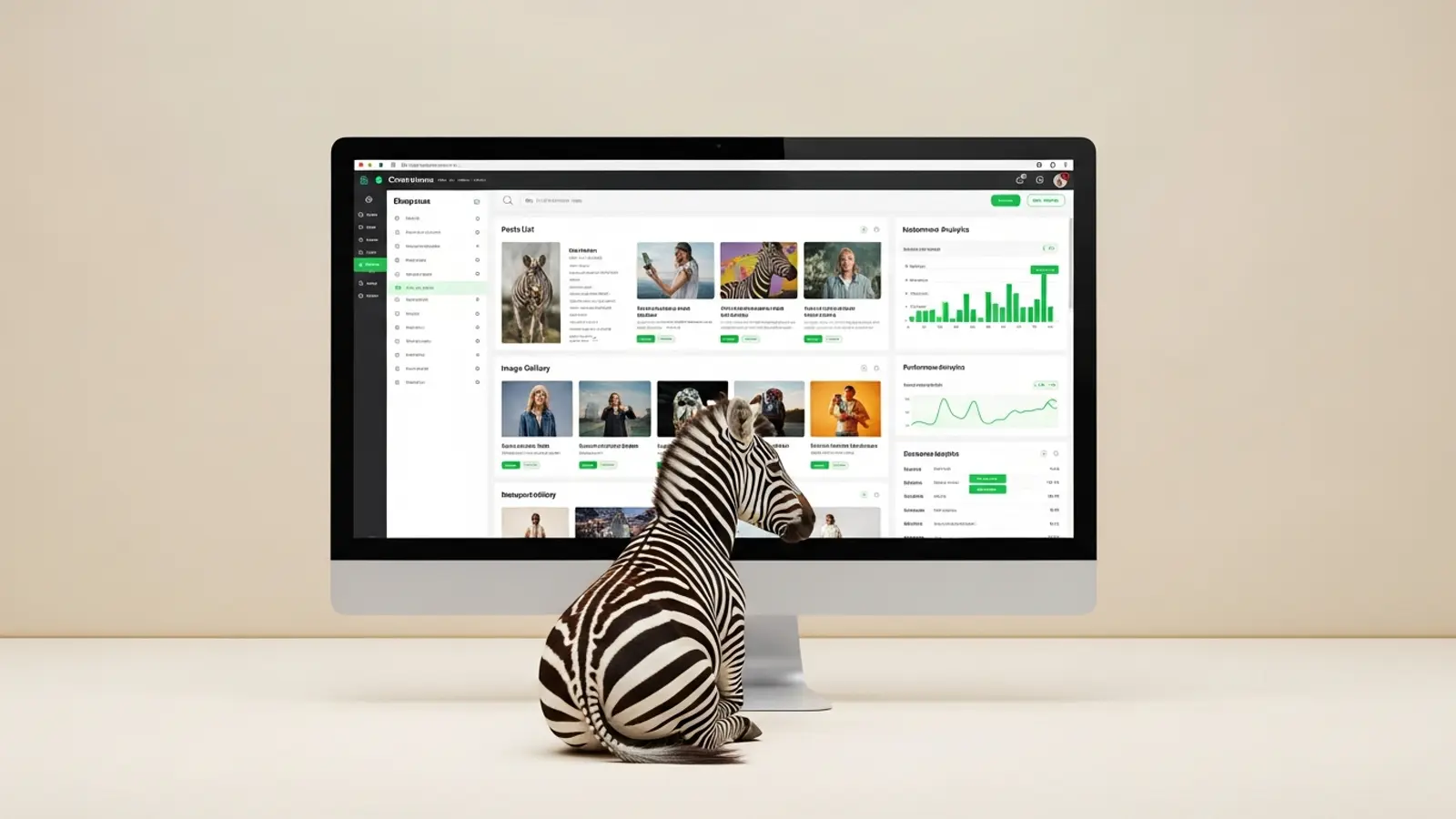
CMS stands for Content Management System. It's a layer that sits between you and your website's code, exposing a friendly admin screen where you can log in, change a paragraph, upload a photo, or publish a blog post — without writing HTML.
Behind the scenes, the CMS converts your typing into the database entries and templates that build the page. You see a "what you see is what you get" editor; the website sees code.
Common CMS examples
- WordPress — the biggest CMS in the world, runs 40% of the web. Self-hosted (you install it on a host you choose) or WordPress.com (managed). Best for blog-heavy sites or content businesses.
- Shopify — a specialist e-commerce CMS. Manages products, orders, customers, payments, and shipping.
- Squarespace — a closed all-in-one platform. Templates, editor, hosting, all bundled.
- Wix — same model as Squarespace but more flexible (and slower).
- Webflow — design-led CMS for people who want to build pixel-perfect sites without code.
- Sanity, Contentful, Strapi — "headless" CMSes used by developers who want the admin layer but want to build the front-end themselves.
If you've heard of a website platform, it's almost certainly a CMS.
What a CMS gives you
- Self-service editing. Change a price, swap a photo, publish a blog post without calling anyone.
- Templates. Every new blog post or product page uses the same layout automatically.
- User accounts. Multiple people can log in with different permission levels.
- Plugins / apps. Add functionality (bookings, forms, e-commerce) without writing it from scratch.
What a CMS costs you
Most "what is a CMS" articles stop at the upsides. Here's the rest:
- Page weight. A CMS-driven page has to render the database lookup, the templates, and any plugin code on every visit. CMS pages are nearly always slower than equivalent hand-coded pages.
- Maintenance. WordPress sites need core updates, plugin updates, theme updates, and security patches. If you ignore them, the site eventually breaks or gets hacked.
- Plugin conflicts. Two plugins doing similar things will eventually fight. Debugging this is unpleasant for non-developers.
- Subscription cost. Closed-platform CMSes (Wix, Squarespace, Shopify) charge monthly forever.
- Lock-in. Most CMSes are hard to leave. Switching from Wix to WordPress or vice versa often means rebuilding from scratch.
Do you actually need a CMS?
Genuinely ask yourself: how often will you edit the site once it's launched?
- Never to a few times a year (most small service businesses): you don't need a CMS. A hand-coded site with a £150/month Cruise care plan (edits included) is faster, cheaper, and never has plugin issues.
- A few times a month (publishing blog posts, updating menus, swapping promotions): maybe. Depends on whether you want to do it yourself or pay someone. A simple CMS for just the bits that change (menus, blog) hand-coded otherwise can be the best compromise.
- Weekly or daily (e-commerce, news, recipe blogs): yes. Use a proper CMS — WordPress, Shopify, or a headless setup.
The trap most small businesses fall into
Web designers default to "let's build it on WordPress" because they know WordPress and it's a one-size-fits-most answer. Most small business owners agree because they think they want to edit the site themselves. Then six months later, the owner has changed exactly one phone number and the WordPress install is six versions out of date.
If you genuinely won't be the one editing the site, a CMS is overhead you don't need. Wix vs WordPress is a longer breakdown if you're between the two.
How Zebweb handles this
Most Zebweb sites are hand-coded with no CMS at all. The trade-off: you don't edit them yourself, but edits are included in the £150/month Cruise care plan with 48-hour turnaround. For sites that genuinely need self-editing (blog-heavy, restaurant menus changing weekly, product catalogues), we add a lightweight CMS layer to just the pages that change — not the whole site.
The result: hand-coded speed where speed matters, CMS convenience where it matters too. Build a quote, or see how we approach web design in Lincoln specifically.