Short answer: Wix if you want it done by next week, WordPress if you want full control of every line, and neither if you want it to be fast. Wix vs WordPress is the most-asked question in small-business web design — here's the comparison without the affiliate spin.
What Wix vs WordPress actually means
Wix is a closed platform. You build inside it, host on it, and never see the underlying code. WordPress is open-source software you install somewhere — usually a host like SiteGround, WP Engine, or Cloudways. You own the install, but you're also responsible for it.
That's the whole difference, and it cascades into everything else.
Setup speed
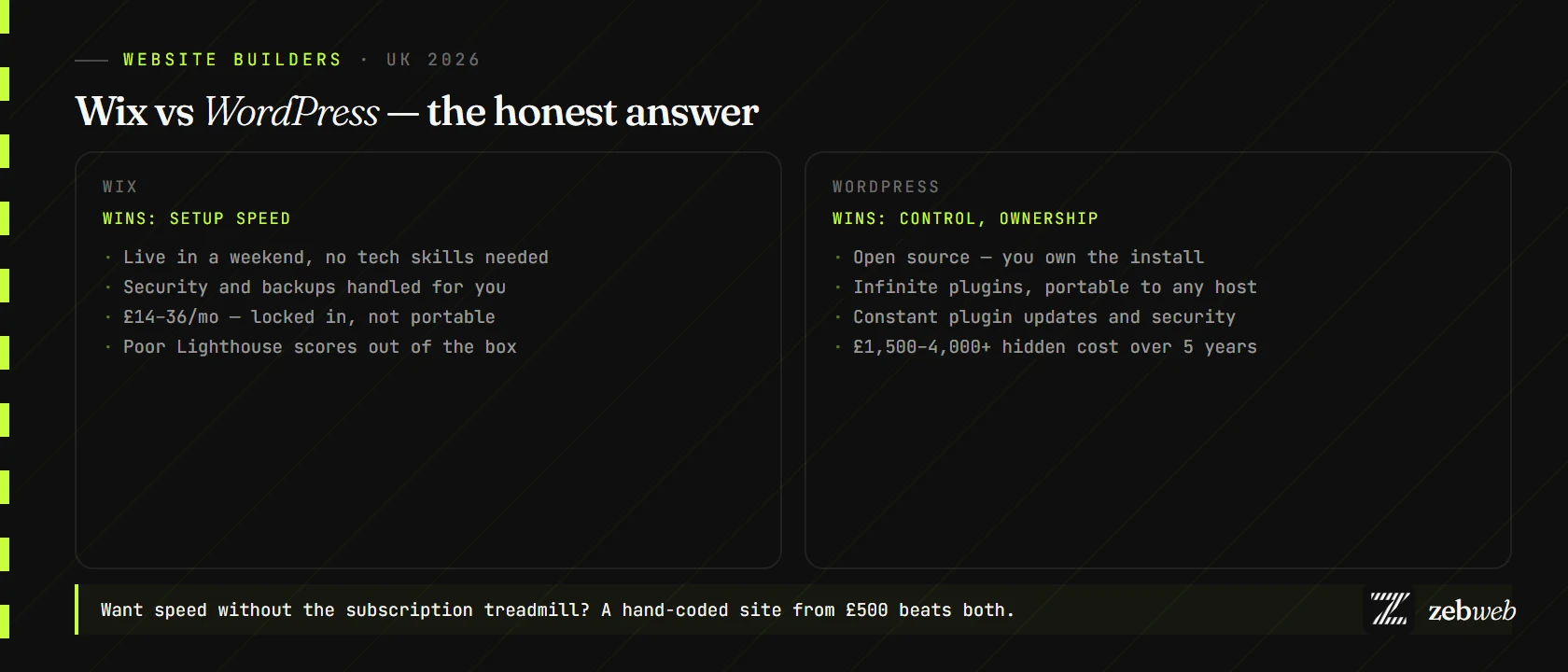
Wix wins. Pick a template, drag-and-drop in your content, publish. A non-technical owner can have a serviceable Wix site live in a weekend.
WordPress takes longer because you're making more decisions: which host, which theme, which page builder (Elementor, Divi, Beaver Builder, Bricks), which security plugin, which backup plugin. Most non-technical owners give up halfway and pay a freelancer £400–£1,500 to finish it.
Design control
WordPress wins, eventually. Wix gives you template freedom plus drag-and-drop, but you're capped by what the editor exposes. WordPress with a page builder (or custom theme) lets you build anything — if you're willing to learn the page builder or hire someone who has.
SEO
Tied, roughly. Both are workable; both have ceilings.
WordPress has more plugins (Yoast, RankMath, All in One SEO) and more control over technical SEO. It also has thousands of mediocre themes that load slowly and tank your Core Web Vitals — the SEO advantage disappears if you pick the wrong theme.
Wix's SEO has improved a lot since 2020 but still loses on page speed for most templates. If you're competing in a search where speed matters (local trades, e-commerce, anything with a strong competitor on a hand-coded site), Wix will struggle.
Security
Wix wins, by default. They handle security, SSL, backups, updates. You can ignore the whole problem.
WordPress is the most-attacked CMS on the internet because 40% of the web runs on it. If you don't keep WordPress core, plugins, and themes updated, your site will eventually get hacked. Plugin conflicts and security plugins are a constant low-level maintenance tax.
True cost over five years
Wix: £14–£36/month × 60 months = £840–£2,160. No surprises, all-inclusive.
WordPress: Hosting £10–£40/month, premium theme £50–£100, page builder £80/year, premium plugins £100–£200/year, backup plugin £40–£100/year, security plugin £50–£100/year, plus the time or money cost of updates and inevitable plugin conflicts. Over five years, £1,500–£4,000+ for a self-managed site, more if you pay someone to maintain it.
People say "WordPress is free." WordPress core is free. A working WordPress business website is not.
Wix vs WordPress — when to pick each
- One-person business, no tech instinct? Wix.
- Need a blog with hundreds of posts? WordPress.
- Selling 50+ products? WooCommerce on WordPress, or Shopify.
- Care about speed and Lighthouse scores? Neither — go hand-coded.
- Don't want to deal with updates or maintenance ever? Wix (or a managed hand-coded site).
- Want to own the code outright? WordPress (or a hand-coded site).
The third option, again
For most small UK businesses, a hand-coded site from £500 beats both. Same fixed price as a year of Wix subscriptions. No template lock-in, no plugin treadmill. Care plan from £250/month, the site is yours, and it's faster than anything you'd build on either platform.
If you want to see how the maths actually plays out, the Wix vs custom build comparison walks through it for a real Lincoln business, or build a quote to see what a hand-coded site would cost you.